Empowering Safe Drivers
The Punjab Government brings you the convenience of obtaining driving license facilities online. Apply from anywhere and reduce time, paperwork and queues — all through an efficient, centralized digital system.
Smooth License Experience
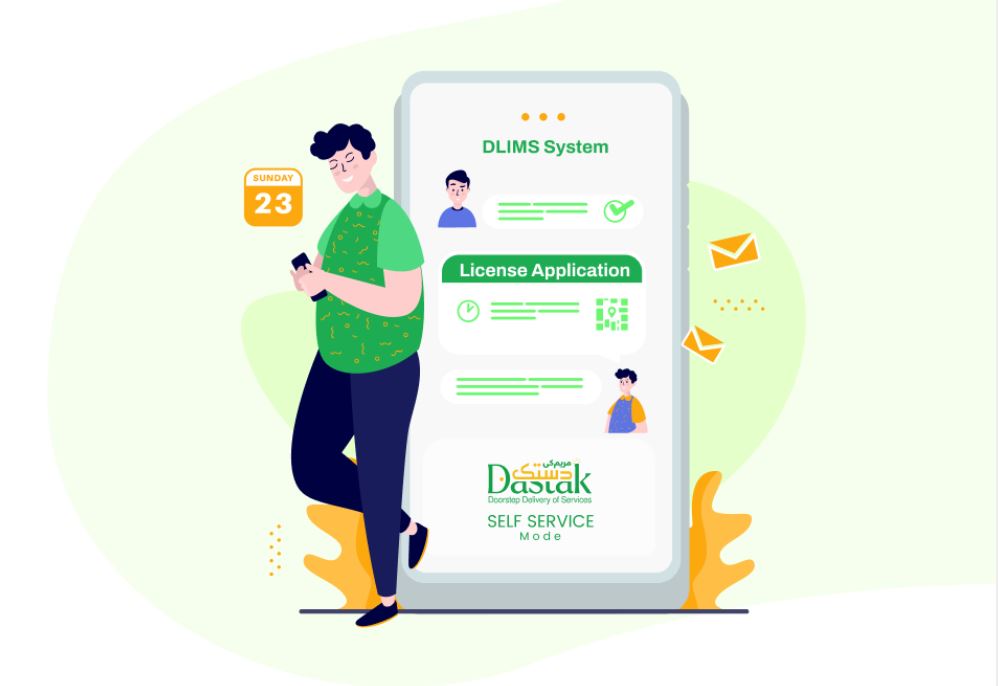
Effortless · Transparent · Secure — DLIMS Punjab digitally modernizes licensing and gives citizens a fast, secure, and auditable workflow for applying, tracking and receiving driving licenses.
Effortless Application Process
Apply for your driving license from the comfort of your home. Skip long queues and complex paperwork — our streamlined online application flow guides you step-by-step.
Real-Time Application Tracking
Access a personalized dashboard to monitor progress. From submission to payment confirmation, the status is updated in real time so you can stay informed.
Secure Payments via ePay
Make secure payments via the Government of Punjab ePay gateway. Generate a unique PSID for every application to ensure fast and verifiable payment processing.

About DLIMS
Driving License Issuance Management System (DLIMS) Phase-II automates the entire lifecycle of driving license activities across Punjab — issuance, renewal, upgrades and record-keeping. By leveraging a centralized modern infrastructure, DLIMS enables fast processing for applicants while supplying authorities with accurate, real-time statistics and audit-ready data. This reduces manual intervention and makes licensing consistent, transparent and secure.
DLIMS is implemented across multiple licensing centers in the province and integrates identity verification, payment processing and status tracking to deliver a seamless digital citizen experience. This site provides clear guidance, step-by-step instructions, and the latest updates to help you complete your application successfully.
How it works — Step by step
The online process is broken into clear steps so applicants know what to expect at every stage.
Create Account & Login
Begin your driving journey — sign up or log in using your CNIC and mobile number to access the DLIMS online portal. Your dashboard stores all applications and documents.
Fill Application Form
Complete the online application with accurate personal details, category selection and uploaded documents. Correct information speeds up processing.
Generate PSID
After submission, DLIMS generates a unique PSID (Payment Slip Identification). Use this ID to make secure payment via ePay or other accepted channels.
Payment Confirmation
Once payment is processed, you will receive confirmation and your application will move to the next stage for verification and approval.
Print Learner / Collect License
After approval, download and print your learner license or collect the authoritative printed license where required. Keep your documents safe for driving and verification.
Latest updates & announcements
Our services, at your fingertips
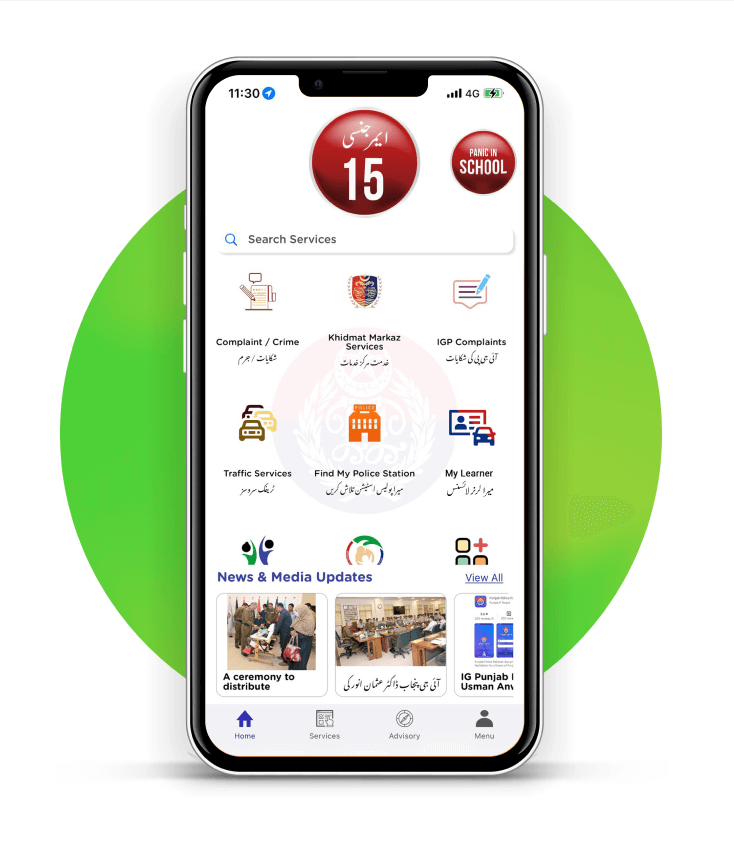
Download the official mobile app to access DLIMS features, apply for licenses, receive notifications and handle payments on your phone. The app brings the convenience of Punjab’s digital services directly to citizens — faster processing, transparent tracking and instant notifications.
- Online application for learner, regular and international licenses
- Real-time status tracking and notifications
- Secure PSID generation & payments
- Downloadable receipts and printable documents
Frequently asked questions
What documents are required for the online application process?
- Passport-size photograph (face)
- Scanned copy of original CNIC (front)
- Scanned copy of original CNIC (back)
- Medical certificate signed by a government doctor (if age above 50 years)
How can I apply for an online learner driving license?
Create an account, complete the online application form, upload the required documents, generate the PSID and pay via ePay. Once payment is confirmed you can print your learner license from the dashboard.
What are the fees associated with applying for a learner driving license?
Fees depend on license category and regulatory updates. We publish the latest fee schedule in the Latest Posts area — check regularly for changes or official notifications.
How long does it take to receive the learner driving license after applying?
Most online transactions publish confirmation within minutes after payment. Some cases may require document verification which could add additional processing time. Check your dashboard for precise status updates.
Are there any specific guidelines for uploading documents?
Upload clear, well-lit scans or photos. Ensure CNIC text is legible, avoid reflections or blur, and keep file sizes optimized for fast upload (prefer JPEG or WebP for photos; PDF for documents).
