
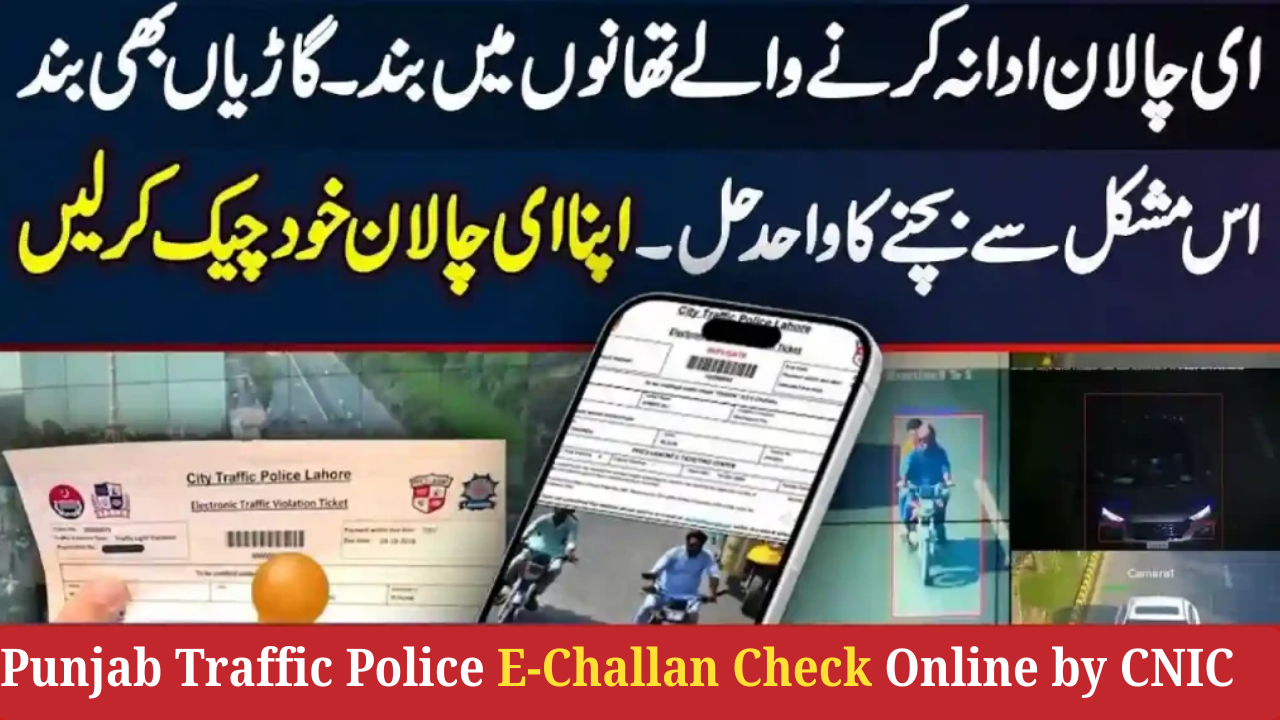
The Punjab Traffic Police has made it easier than ever for vehicle owners to check and pay their E-Challans online. Whether your challan was generated by a traffic warden, ANPR camera, or speed detection system, you can instantly verify it using your CNIC or vehicle number.
This detailed guide explains how to check your Punjab e-challan online, download a copy, verify unpaid fines, and pay digitally through official channels.
What Is Punjab E-Challan?
Punjab E-Challan is an electronic traffic fine issued by:
-
Traffic Wardens
-
Punjab Safe Cities Authority cameras
-
Speed detection systems
-
Lane violation cameras
-
Parking violation teams
The challan is automatically linked with your vehicle registration and CNIC, and can be viewed online anytime.
How to Check Punjab E-Challan Online by Vehicle Number
You can verify your challan within seconds using a simple online form.
Step 1: Visit the Official Punjab E-Challan Website
Go to:
🔗 https://echallan.psca.gop.pk
This is the official website of Punjab Safe Cities Authority (PSCA).
Step 2: Enter Your Vehicle Number
Type your vehicle registration number exactly as it appears on:
-
Registration Book
-
Smart Card
-
MTMIS Record
Examples:
-
LEB-1234
-
FDX-9988
-
AFG-2021
Step 3: Enter Your CNIC Number (Optional but Recommended)
Enter your 13-digit CNIC without dashes.
This improves accuracy and helps match challans linked to your identity.
Step 4: Click “Check Challan”
The website will display:
-
All pending challans
-
Paid challans history
-
Camera images (if available)
-
Violation details, location & time
-
Payment status
How to Check Punjab E-Challan by CNIC Only
If your challan is linked to your CNIC instead of vehicle number (common in manual challans), follow this:
Step 1: Visit E-Challan System
Go to:
🔗 echallan.psca.gop.pk
Step 2: Enter Your CNIC
Enter your 13-digit CNIC.
Step 3: View Challan Status
The system will show all challans associated with your CNIC:
-
Traffic violations
-
Payment pending
-
Paid challan receipts
How to Download Punjab E-Challan Online
You can download your challan PDF to print and pay manually.
Steps to Download
-
Enter Vehicle Number or CNIC
-
Open challan details
-
Click “Download PDF” or “Print Challan”
This PDF is accepted at all banks and payment channels.
How to Pay Punjab E-Challan Online (Fastest Methods)
There are multiple official ways to pay your challan.
1. Pay via Punjab ePay App
Download “ePay Punjab” from Play Store / App Store.
Steps:
-
Open app
-
Select Excise & Taxation → Traffic Challan
-
Enter vehicle number / CNIC
-
Pay using:
-
JazzCash
-
Easypaisa
-
Debit/Credit Card
-
Online Banking
-
2. Pay via ATM (AnyBank)
Steps:
-
Go to Any 1Link ATM
-
Select e-Challan Payment
-
Enter challan number (PSID)
-
Pay the amount
3. Pay via Online Banking / Mobile Apps
Most banks in Punjab support:
-
PSID payment
-
Direct E-Challan payment
4. Pay at Bank of Punjab (BOP)
Take the printed challan to any BOP branch.
Common Reasons Why Your E-Challan Doesn’t Show Online
1. Server Overload or System Maintenance
High traffic causes temporary delays.
2. Wrong Vehicle Number Format
Make sure spacing & hyphens match registration.
3. Challan Not Uploaded Yet
Some manual challans take 6–24 hours to appear online.
4. MTMIS Ownership Not Updated
If the vehicle is still under the old owner’s name, challan will reflect their CNIC.
How to Avoid Receiving Wrong E-Challans
-
Update vehicle ownership at MTMIS after buying a used car
-
Avoid parking violations and lane breaks
-
Follow speed limits on highways & urban areas
-
Keep your license renewed
What Happens If You Don’t Pay E-Challan?
Punjab Traffic Police may take actions:
-
Vehicle registration blocked
-
License renewal delayed
-
Additional fines
-
Possible impound in repeated violations
It is important to pay challans on time.
Final Thoughts
Checking your Punjab Traffic Police E-Challan by CNIC or vehicle number is now extremely easy thanks to the digital system introduced by PSCA and Punjab Police.
Whether you want to verify, download, or pay your challan, the entire system is available online 24/7.
